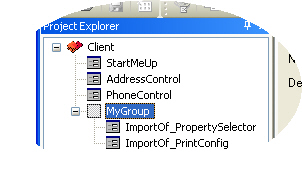
Importing elements from Visual Studio .NET and form.suite4.net projects
You can import elements from external sources into a form.suite4.net project. This is done in the Form Manager.
The sources currently available for import are:
- Visual C# projects,
- Visual Basic .NET projects,
- other form.suite4.net projects.
Importing from Visual Studio .NET projects
- In the Form Manager main menu choose File > Import Source. The "Import From VS Project" dialog appears.
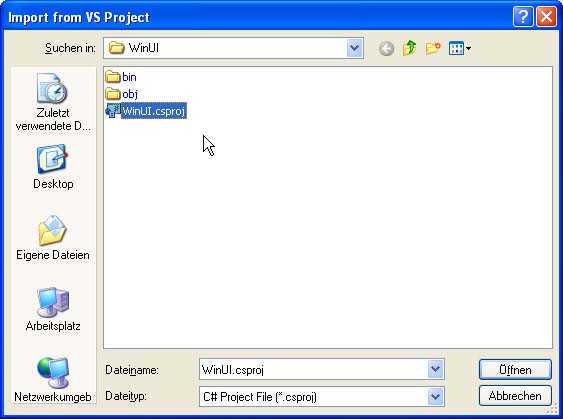
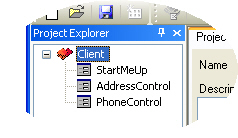
- Browse to the C# or VB.NET project file you want to import from and click "Open". The forms contained in the project are being added to the project explorer.
Importing from another form.suite4.net project
You can import elements from other form.suite4.net projects into the project that is currently opened. Import of external elements must be done into a Group in the Project Explorer.
- Select the Group you want the imported elements to appear under in the Project Explorer.
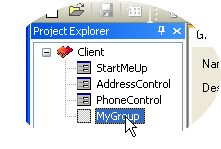
- In the Form Manager main menu choose File > Import from project. The "Open Project" dialog appears.
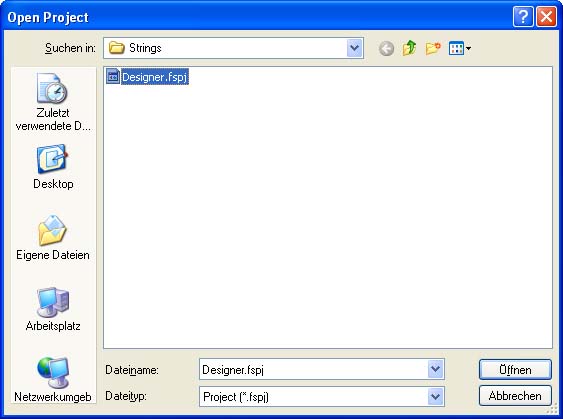
- Browse to the project file you want to import and click "Open". The "Import Forms" dialog appears.
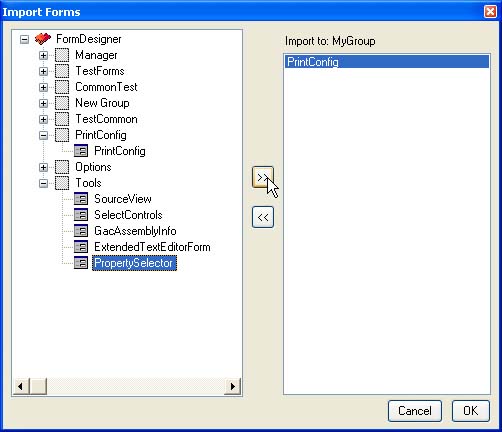
- The pane on the left displays all forms available in the external project. Move the ones you wish to import to the pane on the right and click "OK". The forms you selected are added to the project under the Group you specified in step 1.